
What you save comes back.

1 · Save
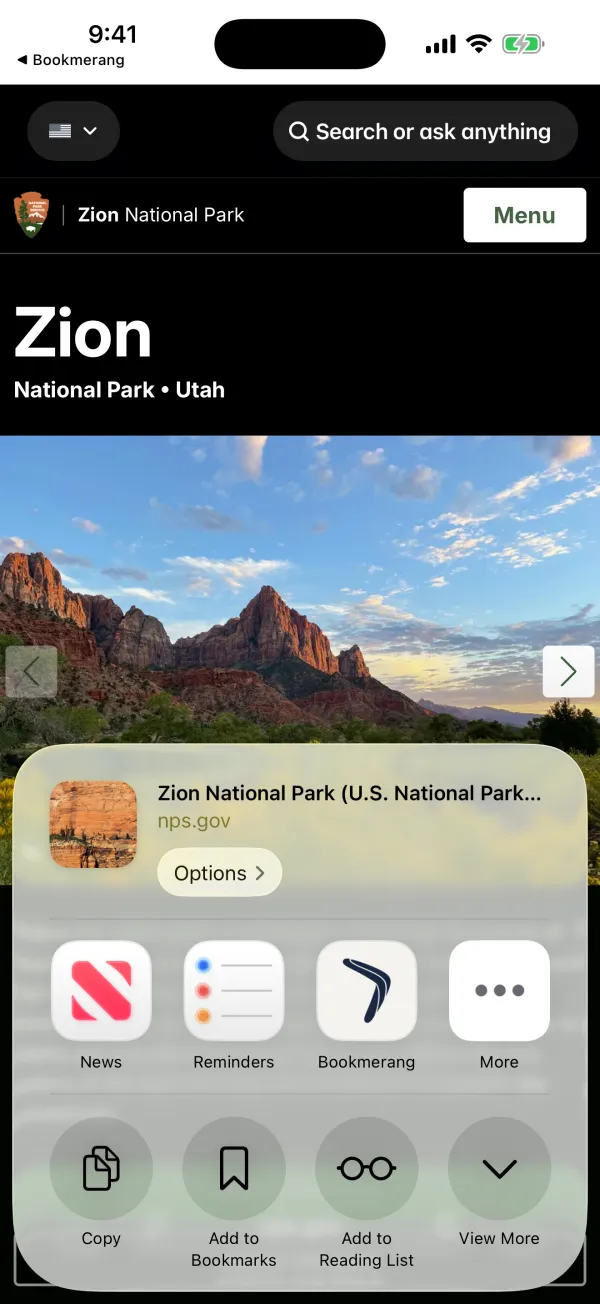
Share what you find. It lands in Bookmerang.
An Instagram post, a TikTok video, a Pinterest pin, a YouTube video, a post on X or an article you are reading — anything with a link. Pick Bookmerang in the share menu; you don't need to open the app. On a computer, the Chrome extension saves the page you're reading in one click.
2 · Understand
It doesn't just keep the link. It understands what you saved.
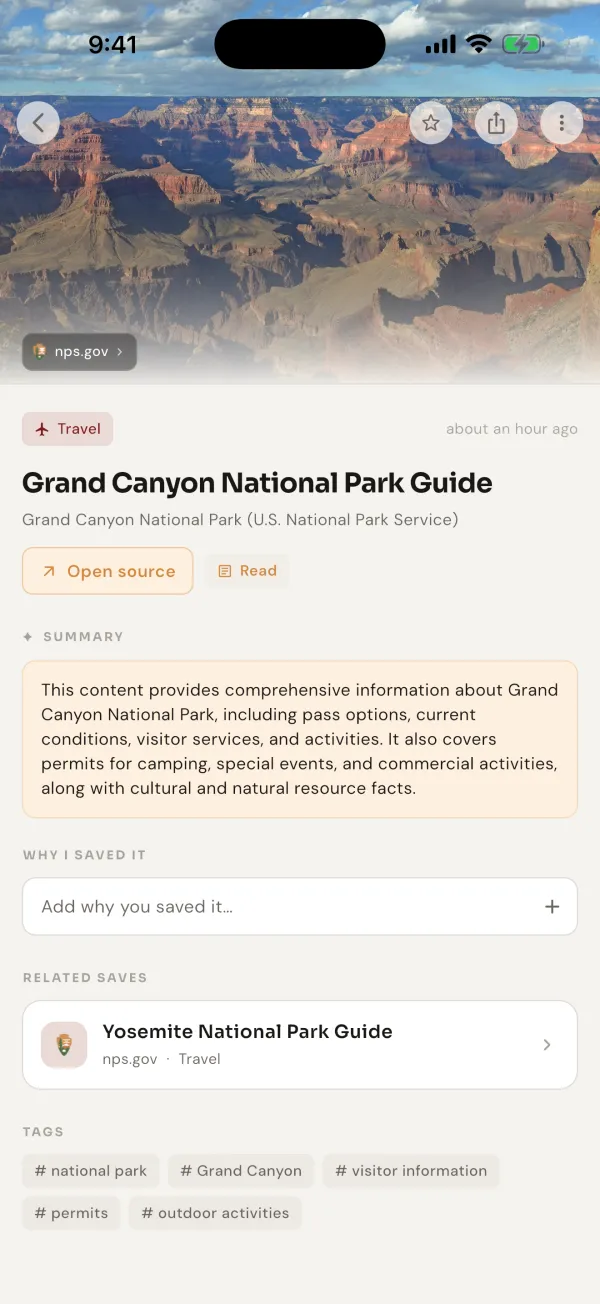
Every save comes with a title, a short summary and a topic. You never tag anything.
3 · Connect
Saves don't sit alone. Related ones come together.
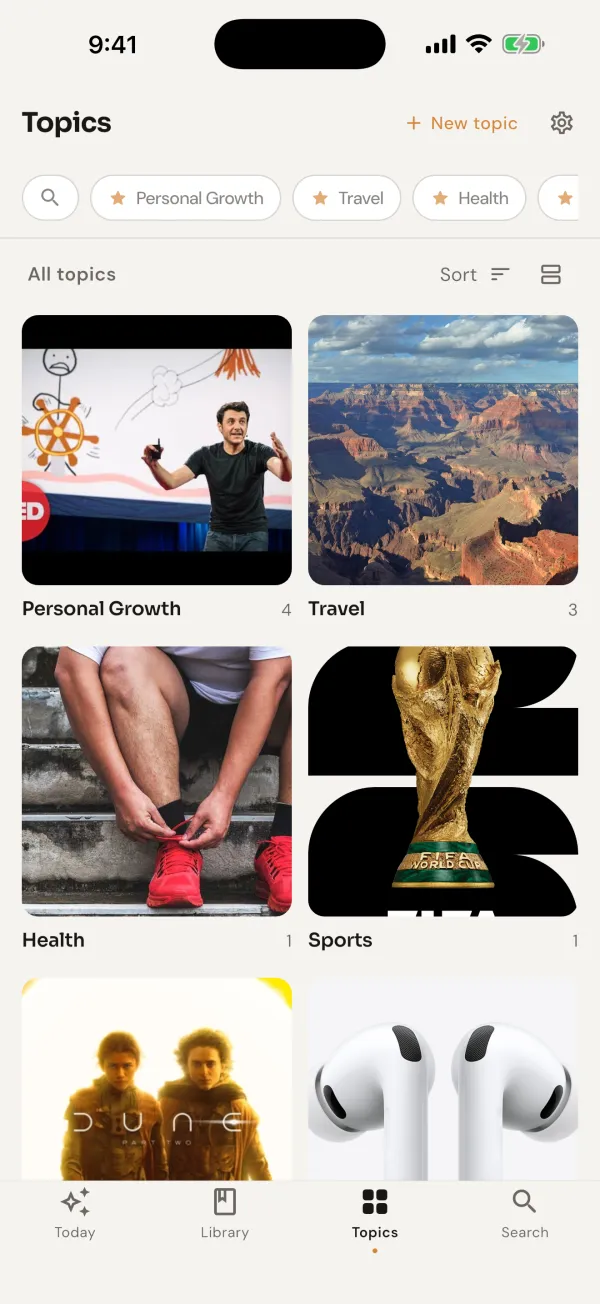
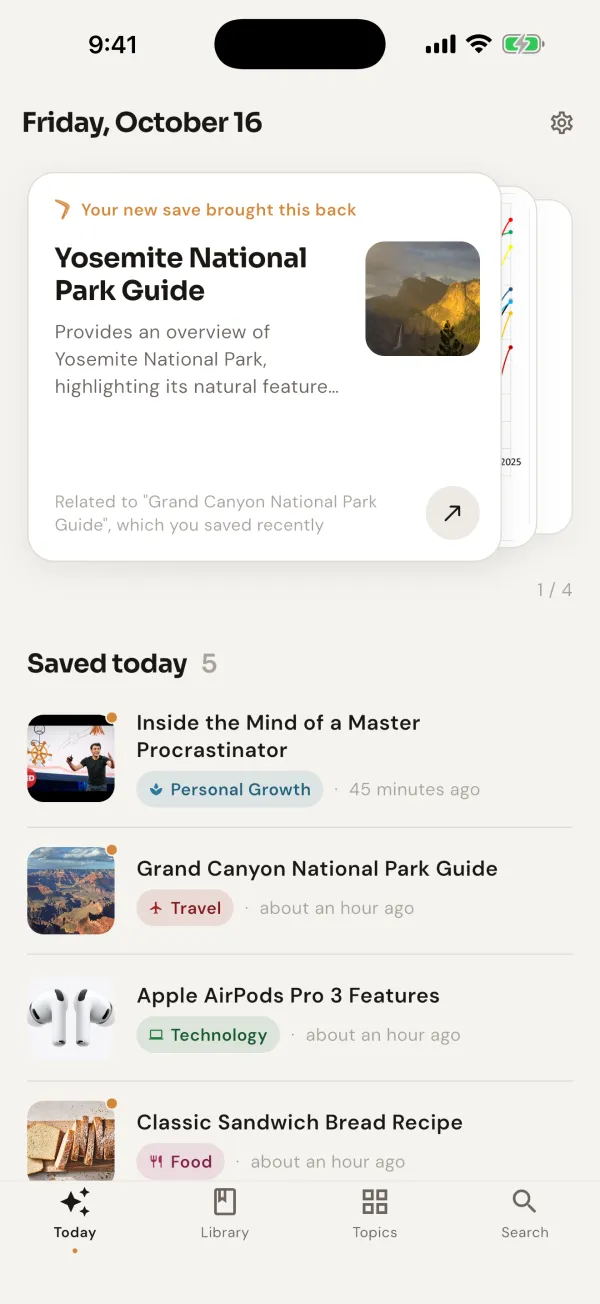
Open a save and what you saved before on the same subject appears right below it: reading the Grand Canyon guide brings up the Yosemite guide you saved earlier. Similar saves also gather under topics on their own. No folders, no tags.
If nothing is truly related, it doesn't force it and shows nothing.
4 · Find
No keywords needed. Ask in your own words.
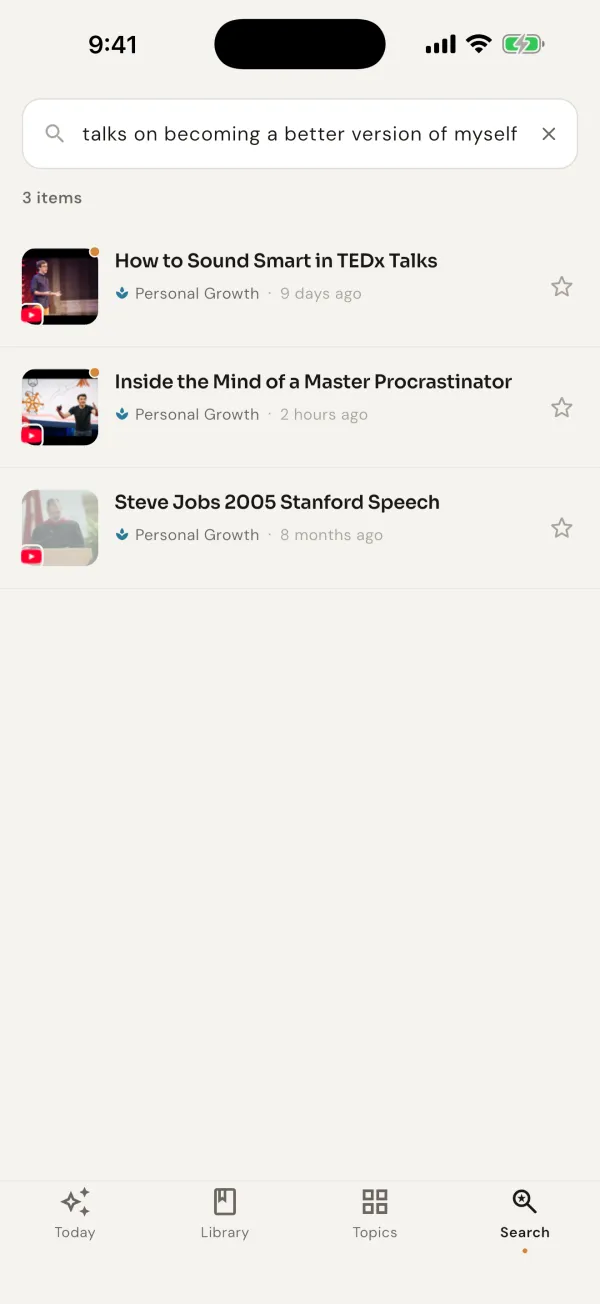
You don't need to remember the title or the site. Type it the way you'd tell a friend — or say it out loud. Bookmerang picks out the time and the topic in your sentence and searches by meaning, not by words.
3 items
5 · Comes back
Not a random reminder. It picks by what you care about.
When you save something new, a related thing you saved before comes back on the Today screen. Beyond that, Today brings back a few of your saves every day. It looks at what you have been into lately, what you have already seen and when you saved it: something from a topic you are into right now, something you saved on this day months ago, and a small surprise from a corner you forgot.
It doesn't show the same thing again and again. If days go by without you looking, it steps back.
On your computer
Save from your computer too.
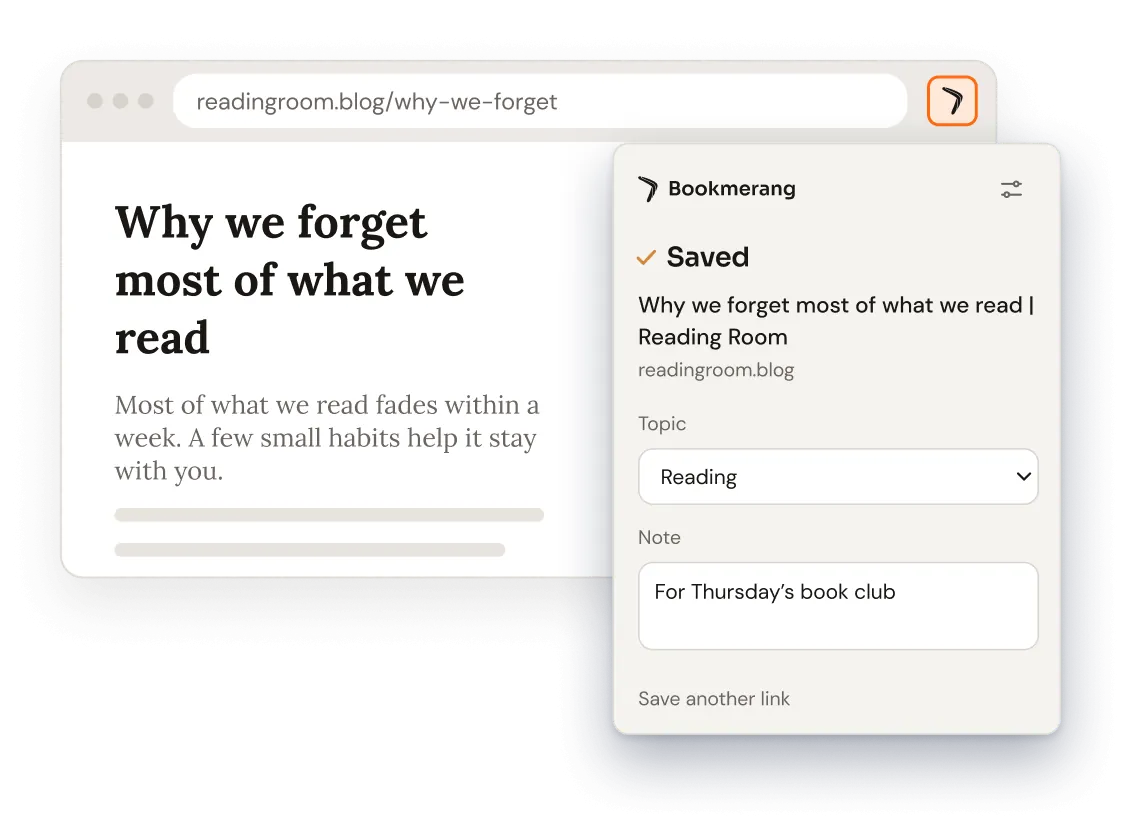
The Bookmerang extension for Chrome saves the page you're reading in one click. Right after saving, pick a topic or add a note. Right-click any link to save it without opening it.
What you save on your computer shows up in the app on your phone.
Add to Chrome Also works in Edge, Brave and Arc.
To add it, open bookmerang.app/chrome on your computer.
What you save comes back.
Now on iPhone, Android and Chrome.


On a computer? Add Bookmerang to Chrome